Make your Launchpad(s) a Hardware Step Sequencer
A new version is available. Please see the changes in the changelog.
The plugin
The plugin "Lauflicht Step Sequencer" for Renoise transforms your Novation Launchpad (classic), Launchpad S or Launchpad Mini into a moving light step sequencer with 8, 16 or 32 Steps.
Create any number of tracks and assign to each of them own samples, VSTI instruments or even your MIDI synthesizers. The Step Sequencer is an ideal tool for playing live on stage or for creating jam sessions in the studio.
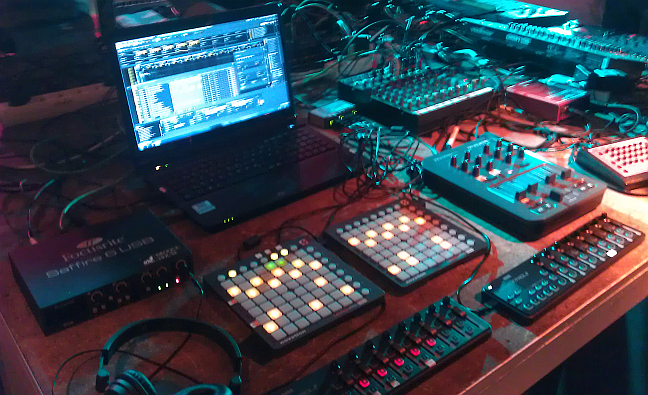
You can even use up to four Launchpads and connect them to a single, big step sequencer! Please have a look at the videos to see chained Launchpads in action.
The aim of the plugin is to make the sequencing as intuitive and powerful as possible. Set and unset single notes or chords, define velocity, length and note value and pitch up/down the whole track and change the assigned instrument in real time. The keyboard mode shows a virtual keyboard (in the plugin and on the Launchpad) to make it easy to create melodies and edit note variations. Modulate the parameters of each single step with the control matrix: Assign up to 8 parameters like filter cutoff, velocity, delay, or any other midi/vsti cc parameter to each single step and modulate the values with your midi controller.
With the Lauflicht Step Sequencer Launchpad Edition, you have complete control of the whole pattern with your Launchpad, regardless of the pattern length and step size you have chosen. You can page through the pattern, scroll through the tracks and change the resolution modes with the buttons of the Launchpad. It just turns your Launchpad into a great Hardware Step Sequencer.